01 / Automation cost
Power Automate finally makes sense for small numbers of small flows
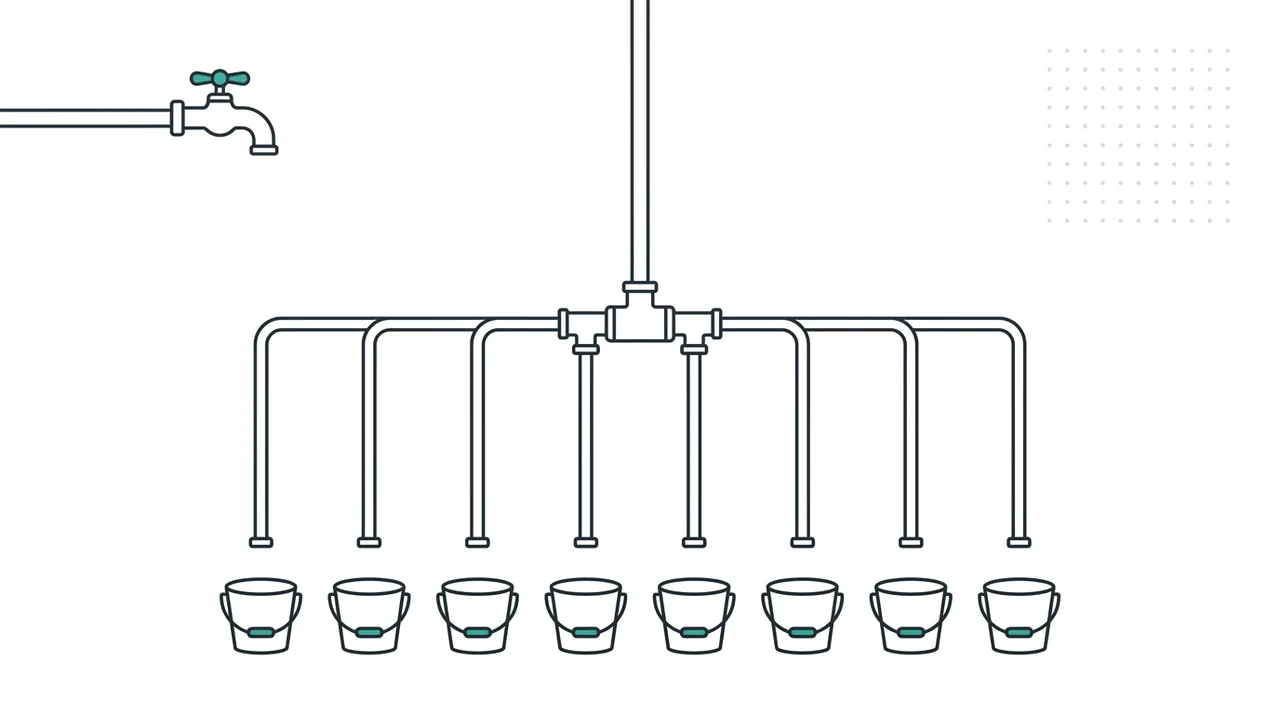
Microsoft has released flow groups, which let one Process licence - 250,000 actions per day - be shared across up to 25 solution-aware cloud flows instead of one licence per flow. Consumption is counted against the group’s total, not each flow individually. If a single flow outgrows the pool, you assign it a dedicated Process licence instead.
The useful bit here is the arithmetic, not the feature. Per-flow Process licensing is exactly why so many sensible small automations - invoice routing, leave approvals, quote follow-ups, inbox triage - never got past the whiteboard. Six licences to save a few hours a week is not a conversation you win. A shared pool across two dozen low-volume flows changes that calculation entirely.
Two catches. You cannot stack licences on a group for more capacity. And child flows do not inherit the group’s capacity from their parent - you have to add every parent and child explicitly, or the child quietly runs on something else and your neat one-licence arrangement has a hole in it.
Owner takeaway: List the small automations you shelved on licensing cost. Estimate steps per run and runs per day for each, and total it up. If the whole list fits inside 250,000 actions a day - and for admin automation it usually does by an order of magnitude - one licence unblocks the lot.
Original source: Microsoft Power Platform Blog - What’s new in Power Platform: July/August 2026 · Microsoft Learn - Share Process license capacity with flow groups
02 / Content and reputation
Claude’s writing is about to carry an invisible watermark
Anthropic has explained how text watermarking will work in future Claude models: a statistical pattern embedded in the model’s word choices, invisible to readers, adding no characters, no tokens and no cost. It carries no information about who wrote what - Anthropic is explicit that it “can’t be traced to a specific person, organization, or chat.” The driver is the EU AI Act, and around 190 signatories to the same code of practice means other providers are doing their own version. Images and files get a different treatment: a C2PA content credential in the file’s metadata.
Some honest limits, straight from Anthropic. It only estimates whether Claude was likely involved; it cannot prove a human wrote something. It works poorly on short passages, on heavily factual text, and on lightly proofread human writing. A full rewrite removes it. And the detection tool is not out yet.
None of this creates a legal problem for you. It does mean “AI-assisted” becomes harder to quietly deny, which matters most in tenders and client deliverables where nobody has ever asked the question out loud.
Owner takeaway: Decide your position on AI disclosure now and write it in one paragraph - for tenders, client deliverables and marketing copy. A settled position costs nothing today and saves an awkward conversation later.
Original source: Anthropic - How Claude’s text watermark works
03 / Queensland
$10 million is set aside for Queensland small business AI adoption

The 2026-27 Queensland Budget includes a new $10 million program to help small and family businesses adopt AI, with the joint ministerial statement saying funding “will be available to eligible small and family businesses across Queensland in all sectors to assist with integrating AI solutions into their operations.” It sits alongside $11.5 million for small business micro-credential courses inside a $601.8 million portfolio budget.
What the announcement did not include: guidelines, grant amounts, eligibility criteria or dates. FY27 has now started, which is usually when that detail appears. So this is one to watch rather than chase.
What is worth knowing is how these rounds tend to work. Assessors fund defined projects, not general enthusiasm. A business that can name the process, the hours it burns, the cost of those hours and what “fixed” looks like will beat a business that can only say it wants to use AI. That page takes an afternoon and it is useful whether or not the grant ever suits you.
Owner takeaway: Pick your single worst repetitive process and write one page on it - what happens now, how long it takes, what it costs, what good would look like. That page is your application, whenever the guidelines land.
Original source: Queensland Government - Backing Queensland small and family businesses to grow, employ and thrive
04 / Microsoft 365 update
Following up: model choice in Word, and Planner Agent off the premium shelf

In our 15 July update we noted Copilot Chat was gaining the option to use Anthropic’s Claude as the underlying model. That choice has now reached Word: Microsoft’s 11 August release batch lets you pick Anthropic models as well as OpenAI models when editing a document with Copilot.
Two other things landed in the same batch. Copilot in Outlook now gives coaching feedback on email drafts inside chat and can apply the suggestions to the message in place, with you choosing which ones land - a smaller cousin of the whole-mailbox reasoning we covered on 27 July. And Planner Agent has moved out of premium-only into all group-based Planner plans for Copilot-licensed users.
The Planner change is the quiet win, because it is the only one that might reduce a bill. The usual constraints apply: most of this still needs a Microsoft 365 Copilot licence, and Microsoft rolls features out gradually, so “it is not in mine yet” is normal rather than broken.
Owner takeaway: If you already pay for Copilot licences, check whether Planner Agent has reached your tenant this week. You may be paying for a premium Planner plan you no longer need.
Original source: Microsoft Learn - Release Notes for Microsoft 365 Copilot
What I would do first
Do the flow groups arithmetic. It is twenty minutes with a notepad, it needs no vendor call, and for a lot of SEQ businesses it turns a shelved list of small automations into something you can actually justify. Everything else on this list can wait a week.
One caution, because cheaper automation makes it easier to build the wrong thing quickly. Before you build any of those shelved flows, check the process each one automates still makes sense. The cheapest automation is the one you did not need, because you fixed the handoff instead.
Running a business that needs someone accountable for technology decisions, not just automations? See the fractional CIO seat.